From old board to Knatra module in 30 minutes.
Every purchase includes free professional installation. This guide shows what our electrician does — and helps licensed electricians who install it themselves.
Electrical work must be done by a licensed electrician with the mains switched off. If you are not trained, use the free installation included with your order.
- 01Switch off the mains
Turn off the main breaker (MCB) for the circuit and confirm with a tester that no wire is live.
- 02Remove the old plate
Unscrew the old switchboard and photograph the wiring before disconnecting anything.
- 03Identify phase, neutral and loads
Mark the incoming phase (L), neutral (N) and each load wire. Knatra modules need a neutral at the box.
- 04Connect the module
Connect L and N to the module’s supply terminals and each load to its channel terminal. Tighten every screw firmly.
- 05Fix the plate
Seat the module in the existing modular box and fix it with the supplied screws. Horizontal plates fit standard Indian boxes.
- 06Power on and pair
Restore the mains. The module lights up — open the Knatra app, tap “Add device” and follow the steps to join Wi-Fi.
Requirements
- 230 V AC single-phase supply with a neutral wire at the switch box.
- Standard Indian modular box (horizontal) — or, for vertical plates, a box sized during new construction.
- 2.4 GHz or 5 GHz Wi-Fi reaching the switchboard location.
- Loads within each channel’s rating: switches 10 A, sockets 6 A / 16 A as marked, fan channels for ceiling fans only.
New construction
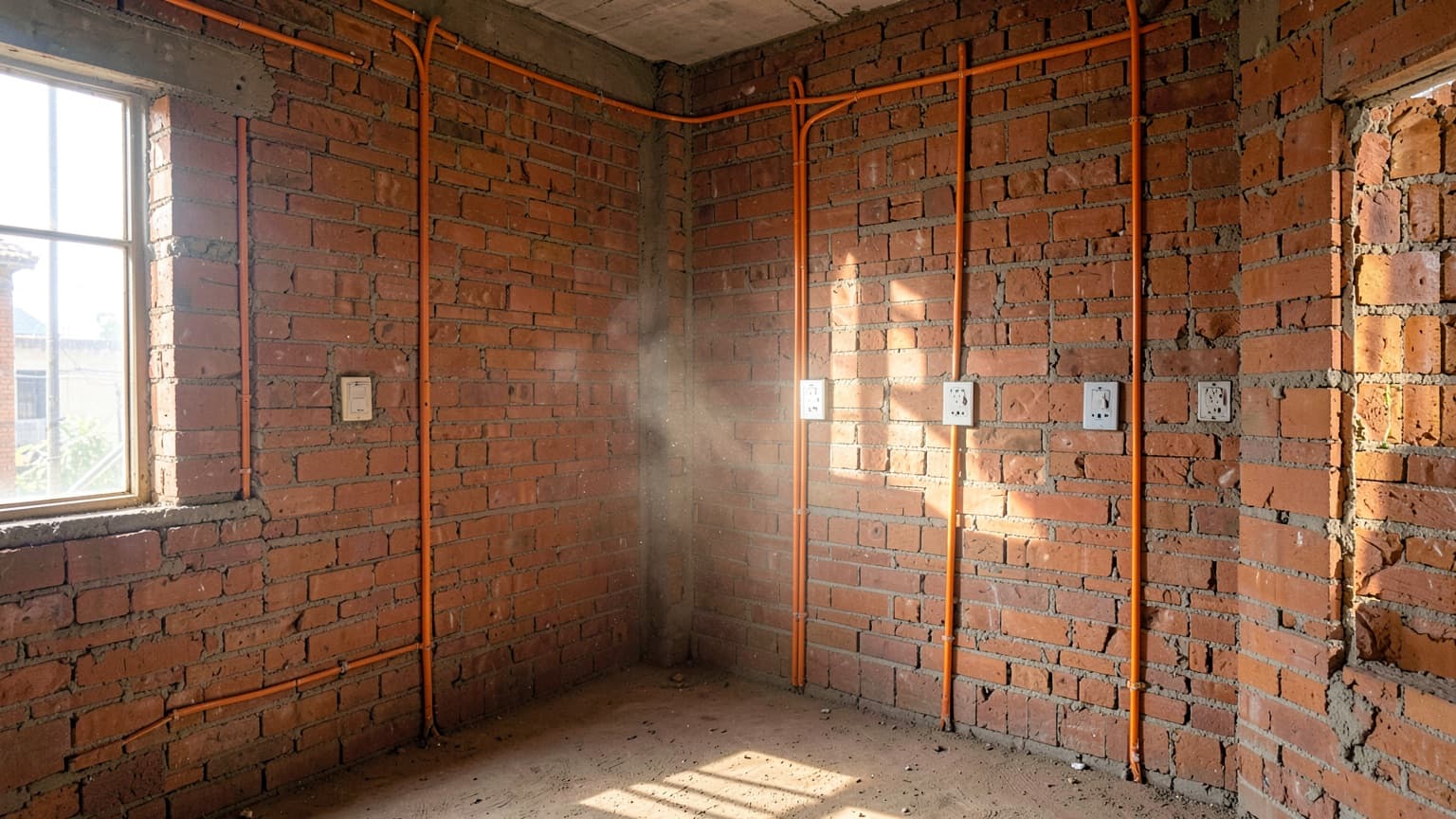
With Knatra Complete, our team plans the electrical layout with your architect, lays conduits and wiring during civil work, sizes every box for its module, and fits all devices after plastering and painting. You get a single handover with everything tested and configured.